 Virtuino on Play StoreVirtuino on Play Store
Tutorial description:
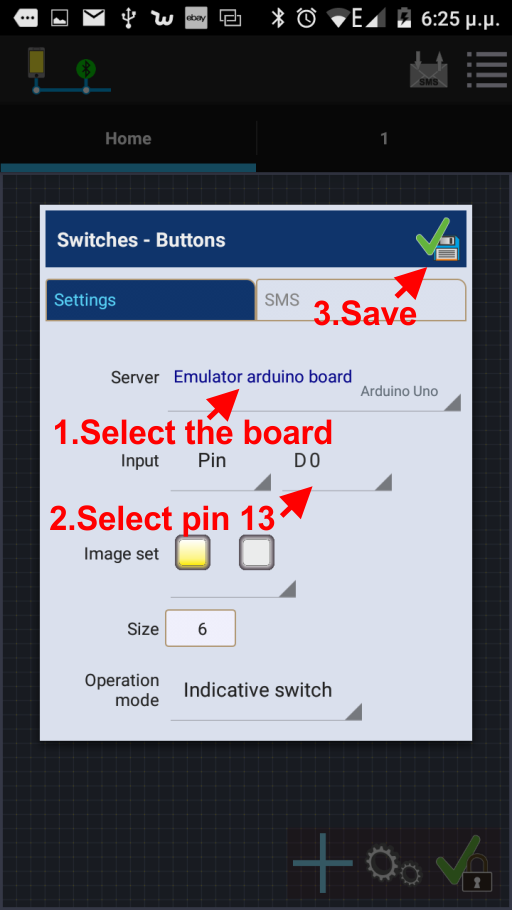
Enable or disable the Arduino board LED of pin 13 via Virtuino App using bluetooth
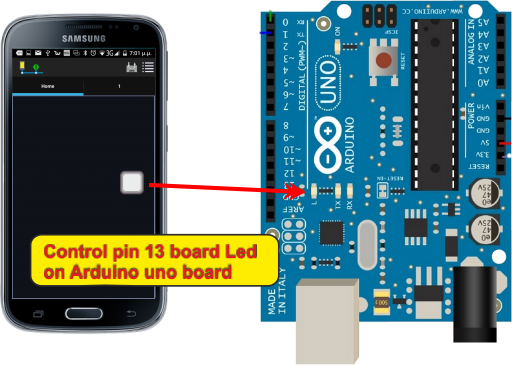
Connect a bluetooth module to Arduino board as the plan below:
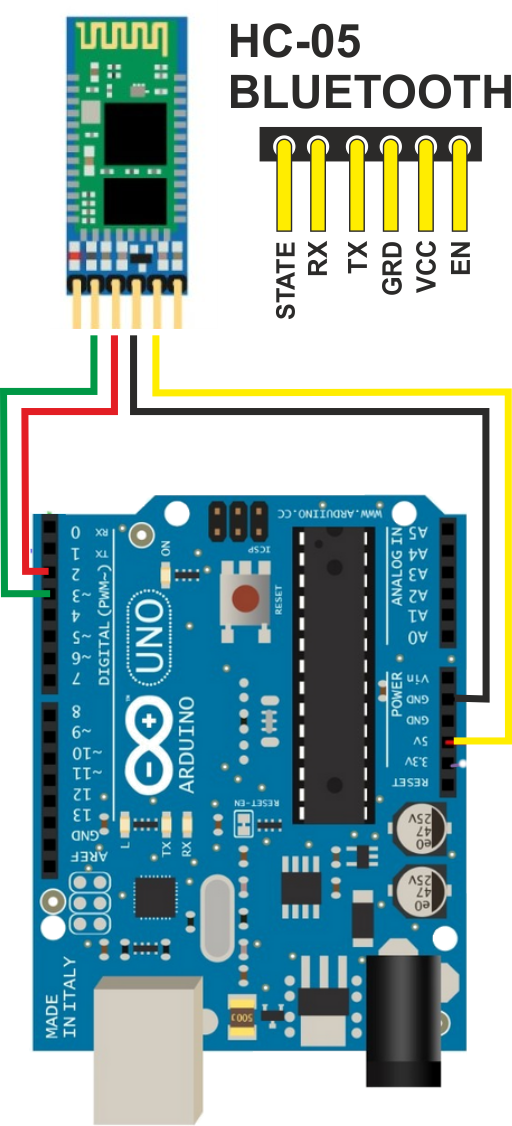
HC-05 works perfecty with Virtuino
Click the link below to download Virtuino Library (Don't unzip the downloaded file)
Virtuino Library ver 1.1 Download
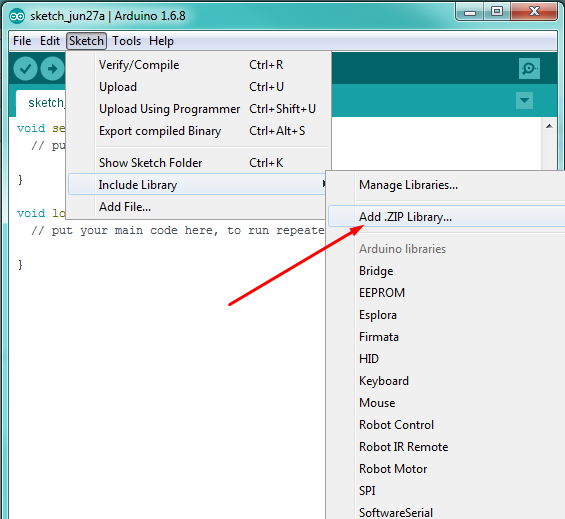
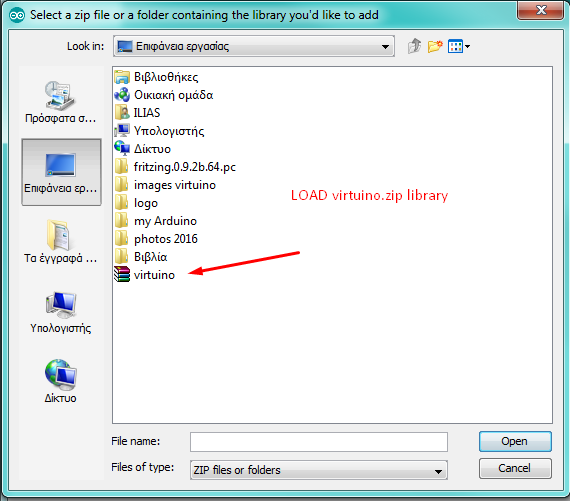
Find and Load Virtuino Library zip file you have just downloaded
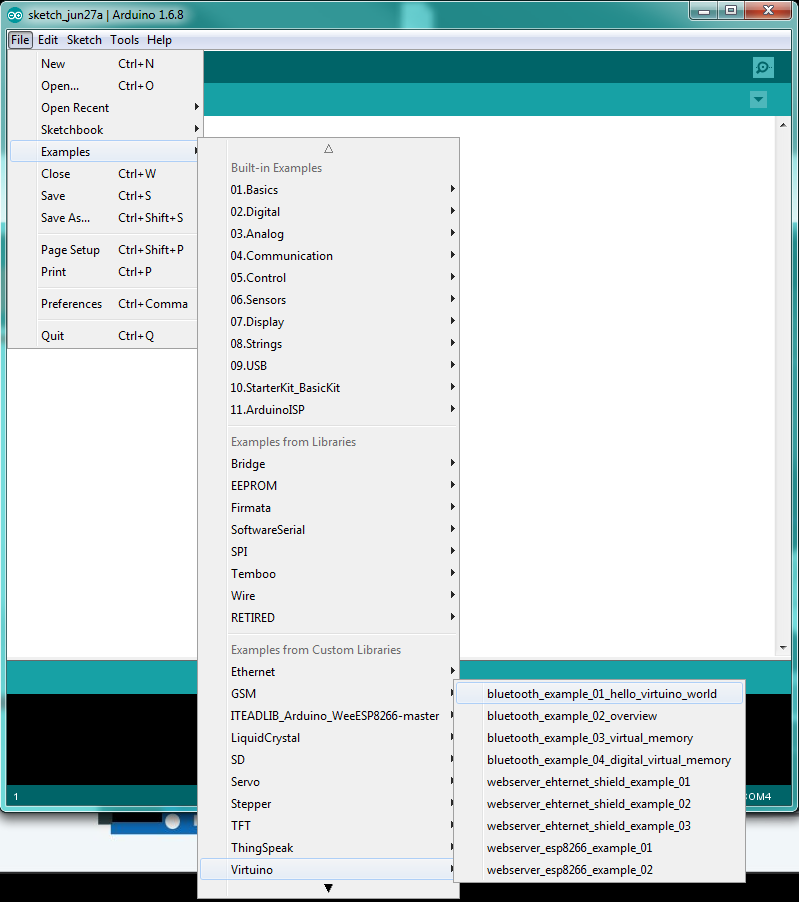
On the code find the line
VirtuinoBluetooth virtuino(bluetoothSerial,9600);
If your bluetooth module has different baud rate set the correct serial speed
The baud rate of new HC-05 modules is 9600 bps
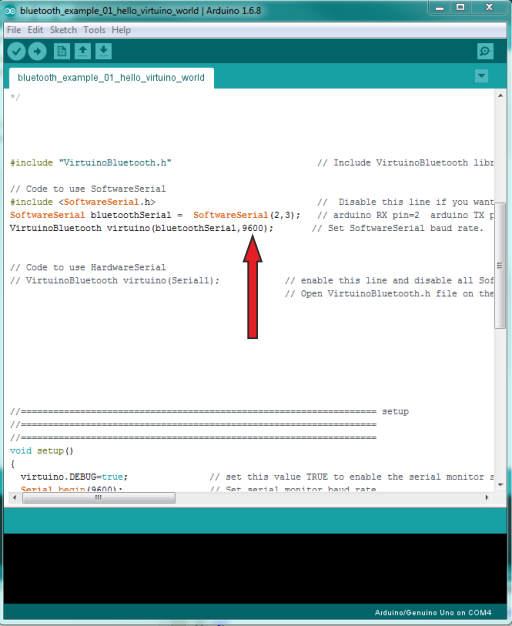
When you are ready connect Arduino board to a USB port and upload the code
Go to your Android device Bluetooth settings
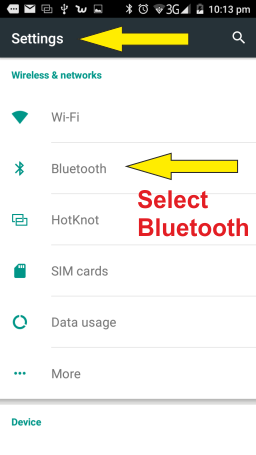
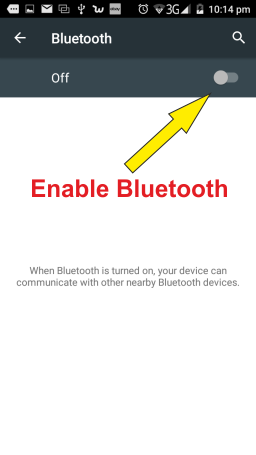
Enable bluetooth and wait until your device scans for other bluetooth devices nearby
Pair your Android device with Arduino bluetooth module. (The password is usally 1234)
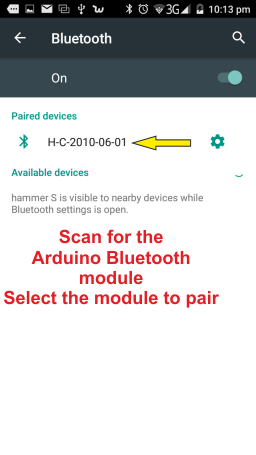
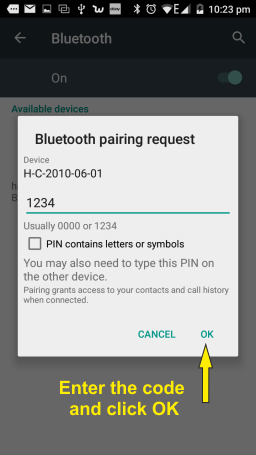
These settings need to be executed once only