 Virtuino on Play StoreVirtuino on Play Store
Tutorial description:
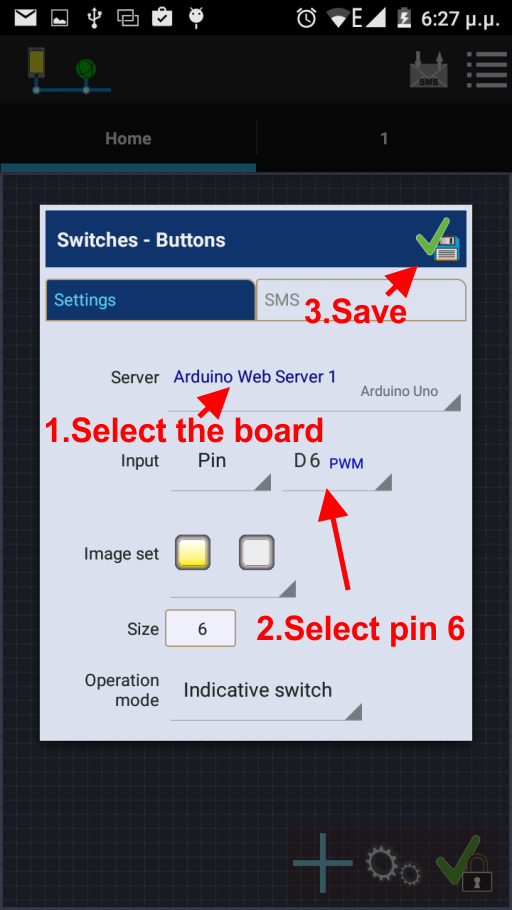
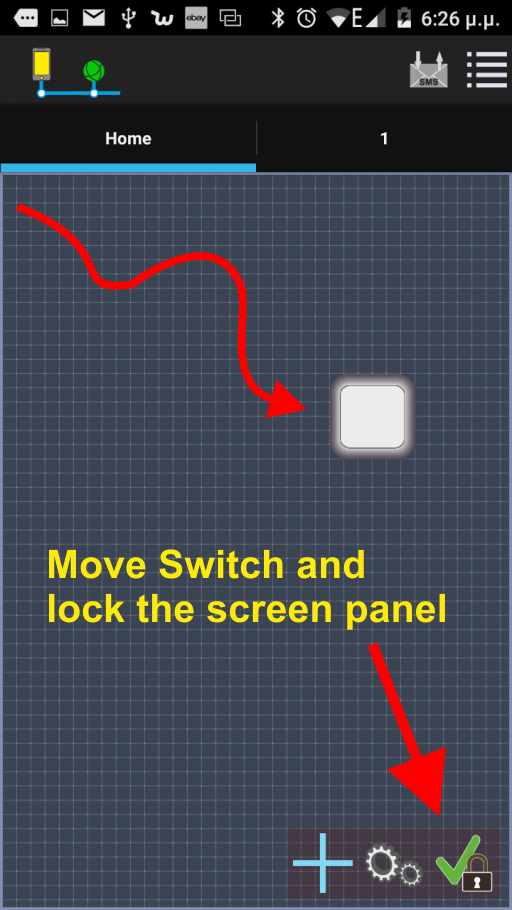
Enable or disable the Arduino uno board LED of pin 13 via Virtuino App using ESP8266 wifi module
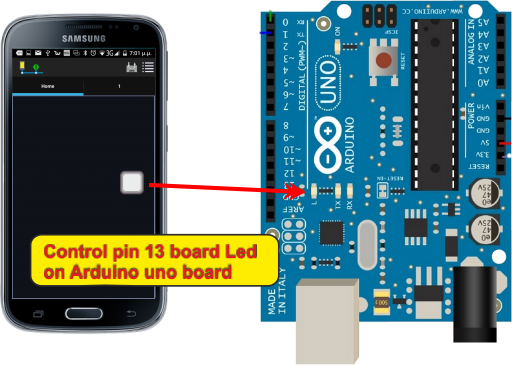
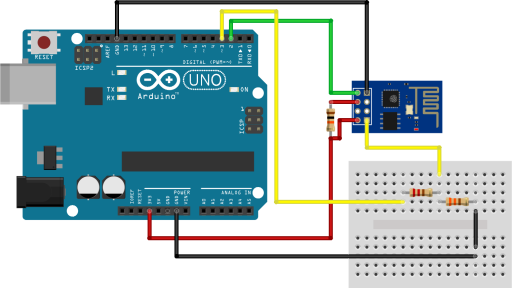
Connect an ESP8266 module to Arduino board as the plan below
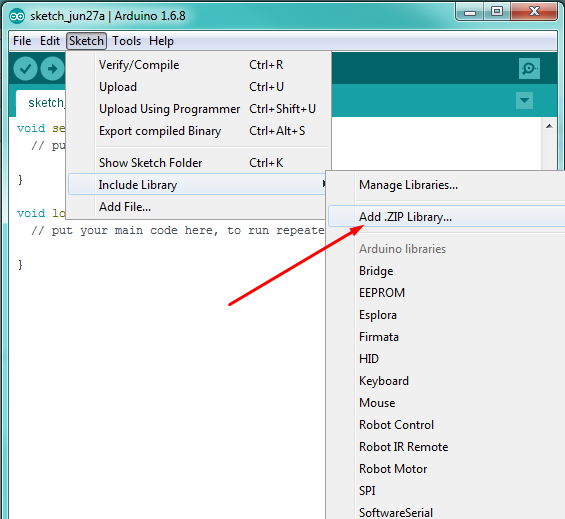
Click the link below to download Virtuino Library (Don't unzip the downloaded file)
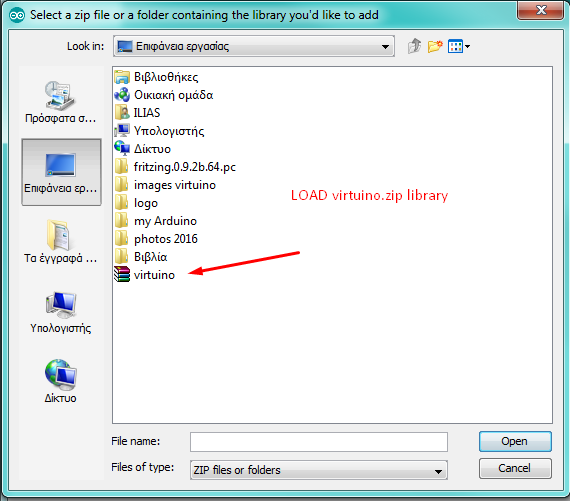
Find and Load Virtuino Library zip file you have just downloaded
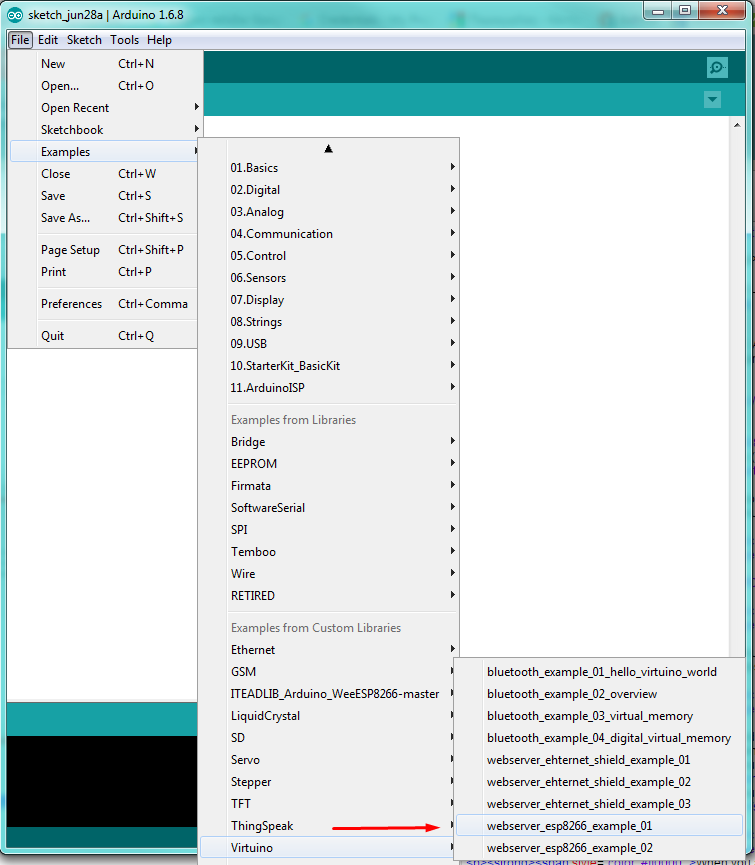
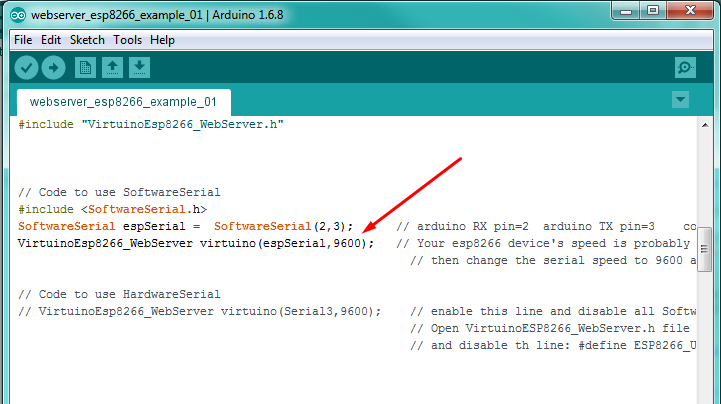
On the code set the corect baud rate of your esp8266 module
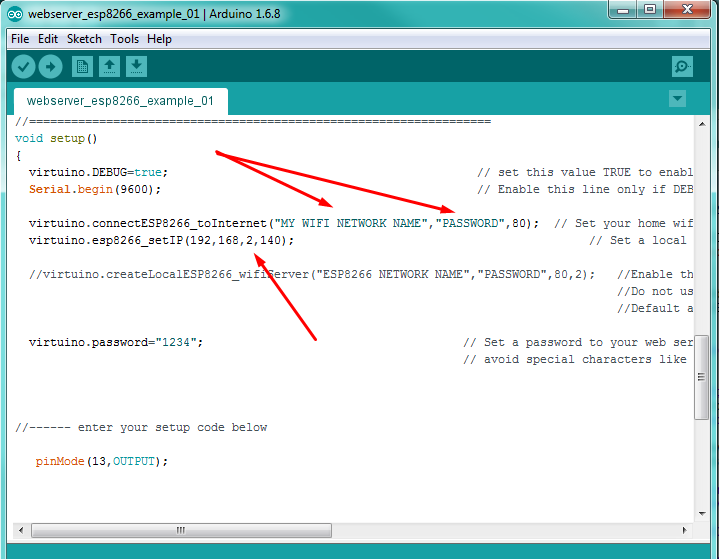
Enter your wifi network name and password
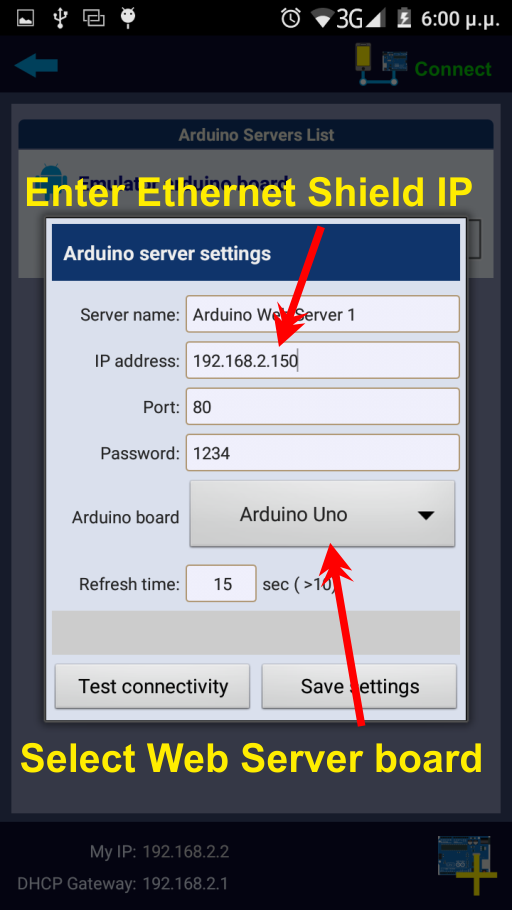
Enter a correct IP address for your ESP8266 module.
This depends on your router IP
If your Router IP is 192.168.1.1 enter an ip like 192.168.1.140
If your Router IP is 192.168.2.1 enter an ip like 192.168.2.140 etc.
When you are ready connect Arduino board to a USB port and upload the code
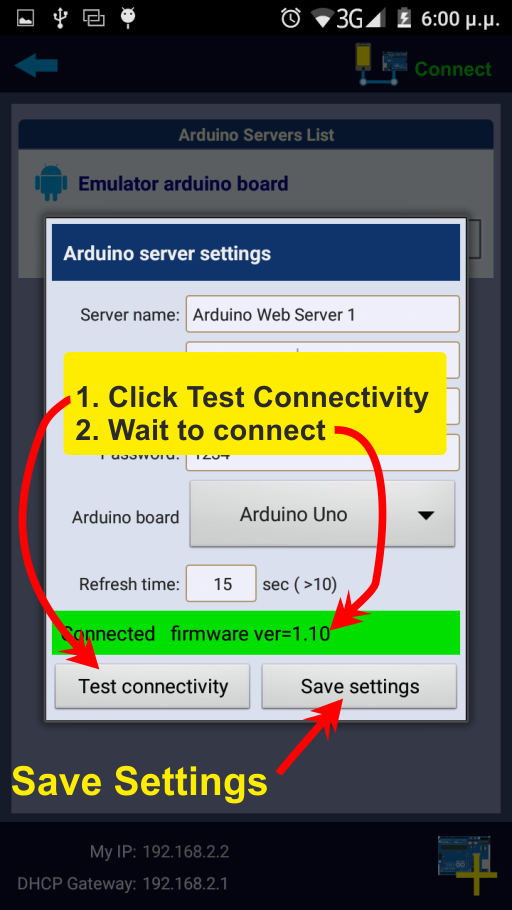
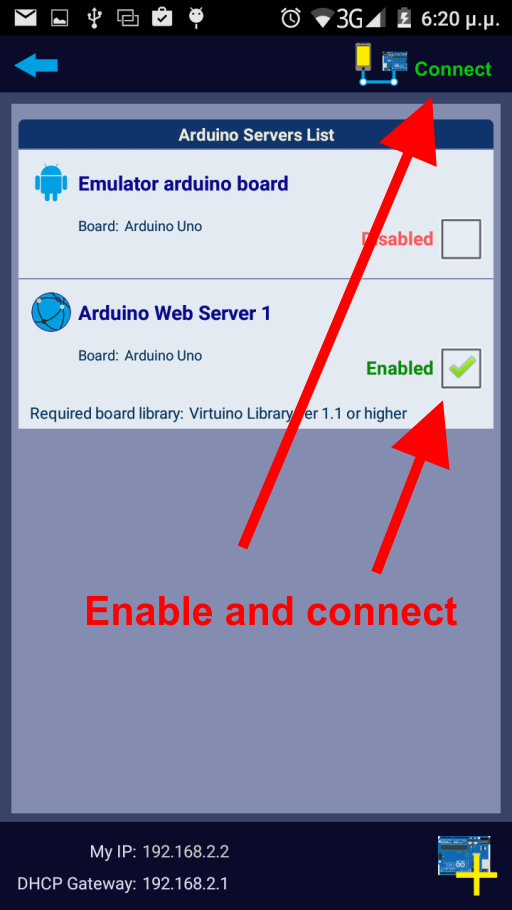
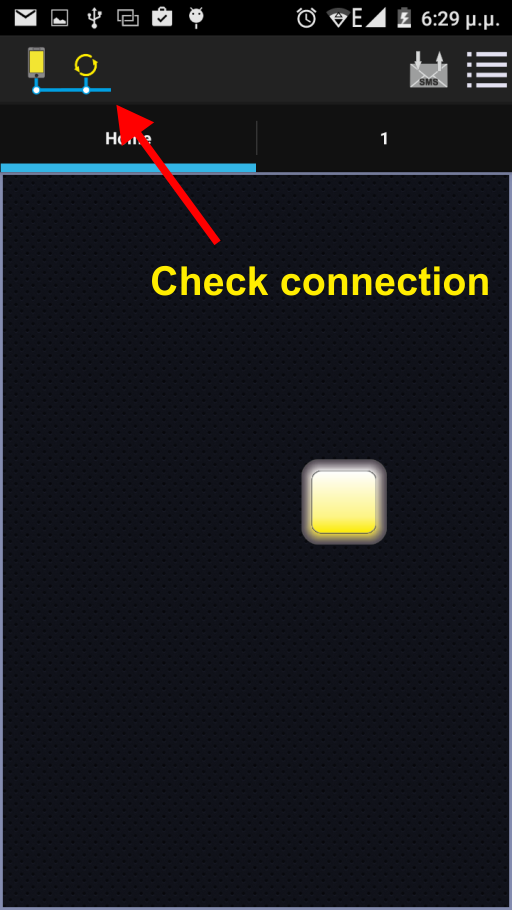
Enable your Android device internet connection